
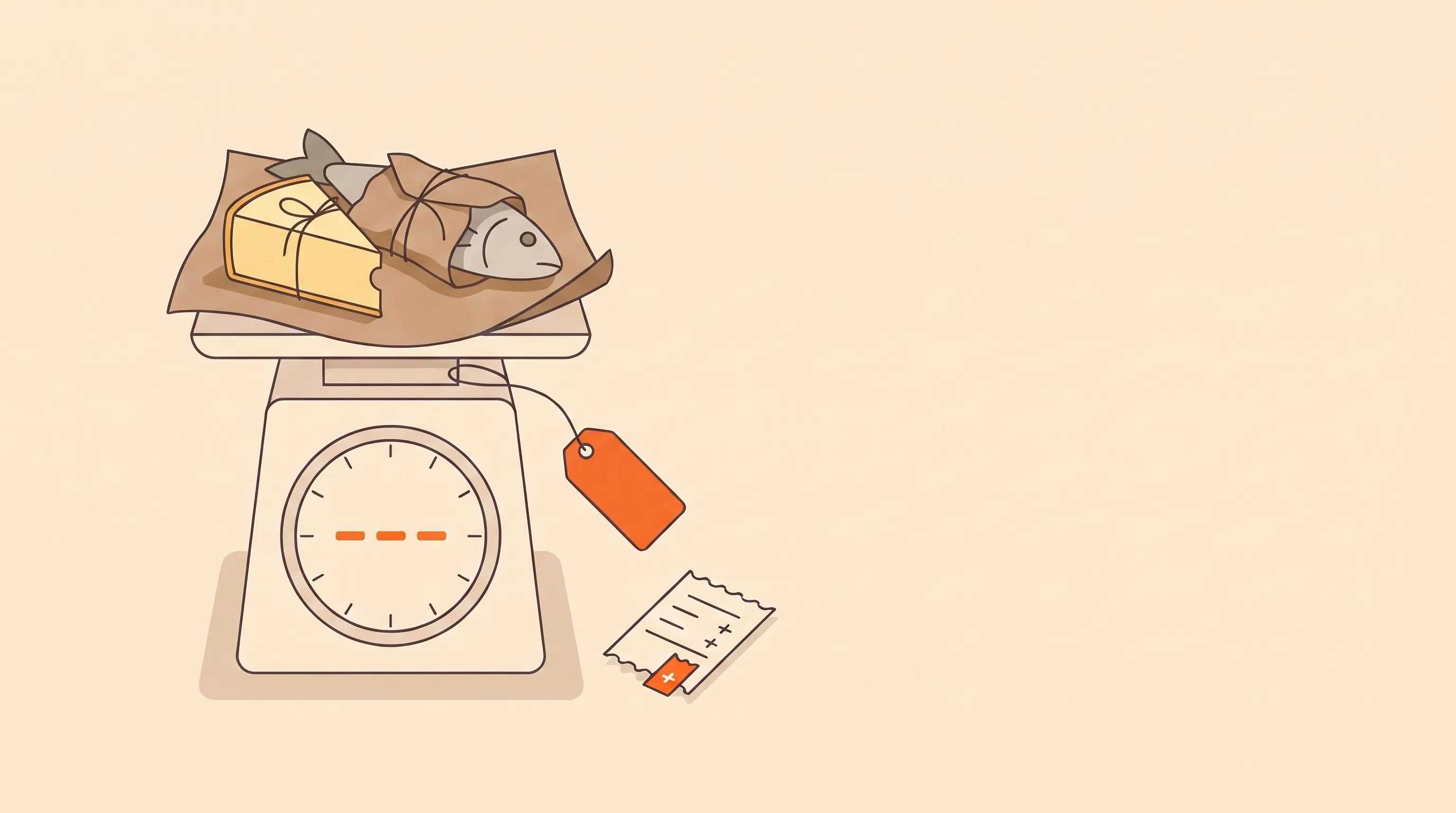
A customer orders a piece of salmon. About 500 g.
You cut it, put it on the scale, and it's 560 g. Next order it's 470. It's never the number on your product page.
Fishmongers, butchers, cheese shops and greengrocers deal with this all day. The trade calls it catch weight: you only know the real price after you pack.
Your Wix store wants a price at checkout.
So how do you sell by weight on Wix, and charge what the scale actually says?
There are five real options. Here they are, with what each one breaks.
Selling on Shopify instead? Read how to sell by weight on Shopify.
First, what Wix itself says
Wix is refreshingly direct about this. Its help center has a feature request page that says it's currently not possible to set a price per weight, like $10 a pound.
There is a price per unit setting, and it's worth turning on. It shows “$22 / kg” under the product price. But it only displays the rate. The customer is still charged the product price.
So everything below is about the gap between what the customer pays at checkout and what the item really weighs once it's packed.
- At checkout$11.00Smoked salmon, about 500 g at $22.00/kg. The customer pays for the estimate.
- On the scale560 gThe real price is $12.32. You only know it now, after packing.
- Settle the gapHeavier: collect $1.32Lighter: refund the restEvery option below is a different way to do this step.
Option 1: weight options (great for fixed packs)
Add a “Weight” product option with choices like 250 g, 500 g and 1 kg, and price each variant separately. This is Wix's own suggested workaround, and most stores start here.
If you pre-pack to exact weights, it's all you need. Coffee, nuts, spices. The bag says 500 g, the bag weighs 500 g.
It breaks the moment you cut to order. The 1 kg option really means “somewhere between 0.9 and 1.1 kg”, and either you eat the difference or the customer does.
Option 2: charge an estimate, refund the difference
Price for “about 500 g”, weigh it, and when it comes out lighter, give a partial refund from the order page. Wix lets you type in the exact amount.
Simple and honest. Three catches, though:
- It only works one way. When the fish comes out heavier, there's nothing to refund. You give the extra away, or you start an awkward email about $2.70.
- Small refunds may not go through. Wix Payments says it reserves the right to refuse refunds under $1. A 30 g difference on cheese can easily be less than that.
- Not every payment refunds inside Wix. Manual payments and some payment providers have to be refunded outside Wix.
And someone does the math per item, per order, on a calculator. Fine at ten orders a week. Not at a hundred.
Option 3: authorize now, capture later (it doesn't fix this one)
On some platforms, the clever fix is to only authorize the card at checkout and capture the real amount after weighing. Wix Payments does have authorize now, capture later, and the payment is held for up to 7 days.
But Wix says plainly that partial captures aren't currently possible. You capture the full authorized amount or none of it. So you still end up refunding the difference, the same as option 2.
It also only works with credit cards through Wix Payments, so PayPal, Apple Pay, Google Pay and manual payment disappear from your checkout while it's on. That's a real cost for a small shop.
Worth it if you want to hold payment until you know you have the stock. Not a catch weight solution.
Option 4: edit the order after packing
This is the closest Wix gets on its own. You can edit an order and raise or lower an item's price. Wix says you can then bill the customer for the extra, or give a partial refund if the total went down.
On paper, that's catch weight solved. In practice:
- You do the math. Wix edits a price, not a weight. Someone still multiplies 0.56 kg by $22 for every weighed item and types in $12.32.
- Collecting the extra is a second job. Raising the price leaves a balance on the order. Getting the customer to actually pay it is up to you.
- Some orders can't be edited. Wix blocks edits on orders that were already partly or fully refunded, orders with a store subscription, and orders not paid in your main currency. So if you refunded first, the order is locked.
- Nothing records the weight. Three weeks later, when a customer asks why they paid $12.32, the order shows a new price, not the 560 g behind it, unless you wrote it down somewhere.
Option 5: a catch weight app
A catch weight app adds the step Wix is missing. The customer pays the listed price, you enter the real weight after packing, and the app works out the new price for you.
Questions worth asking before you install one:
- What happens when it's heavier? Lowering a price is easy. Collecting more is the hard part. Does it send the customer a payment link?
- What happens when it's lighter? Does it refund for you, or do you still refund in Wix?
- Which orders does it support? Orders with discounts, extra fees or partial refunds are where these tools usually draw the line. Check against how you actually sell.
- It's one more app. Most have a free tier, but busy stores end up on a paid plan.
Where the simple options still win
To be fair, you don't always need any of this:
- You pre-pack everything to fixed weights? Weight options. Done.
- Weights barely vary? Price for the low end and let the scale work in the customer's favour.
- A few weighed orders a week? Edit the order by hand and keep a note of the weight.
Catch weight tools earn their place when you cut to order, often enough that the calculator has become someone's job.
What I'd set up first
Whichever route you pick, these save arguments later:
- Turn on price per unit. Let the customer see the real rate per kg or lb, not just the estimate.
- Say “approximate” before they pay.One line on the product page: “Priced at about 500 g. We weigh it after cutting and adjust the total.” Surprises after delivery are where complaints come from.
- Decide your heavier rule now. Collect the difference? Cap it at 10%? Waive anything under a dollar? Pick one and write it down.
- Weigh before you fulfill.Make “weighed and adjusted” a packing step, before the order is marked fulfilled, not something done at the end of the day from memory.
- Test it with a real order. Place one yourself, weigh it lighter, then heavier, and check what the customer sees, what your reports say, and what lands in your bank.
Here's my honest answer
If you pre-pack, use weight options and move on.
If you cut to order a few times a week, edit the order by hand and keep the weight in a note.
If weighed orders are most of your day, you need something that turns a weight into a price and collects the difference, so nobody's doing it on a calculator.
The price you guessed vs the price you packed.
Every heavier cut you give away is margin you never see again.
We built Catch Weight for that last case. You open the order, enter the packed weight in kg or lb and the price per unit, preview the new total, and save it on the original product line. When the order comes out heavier, it creates a payment link for the balance. When it comes out lighter, you refund the difference in Wix. Your first five orders are free.
How do you handle weighed items today? I'd love to hear what's working, and what's quietly breaking. Drop us a line.