
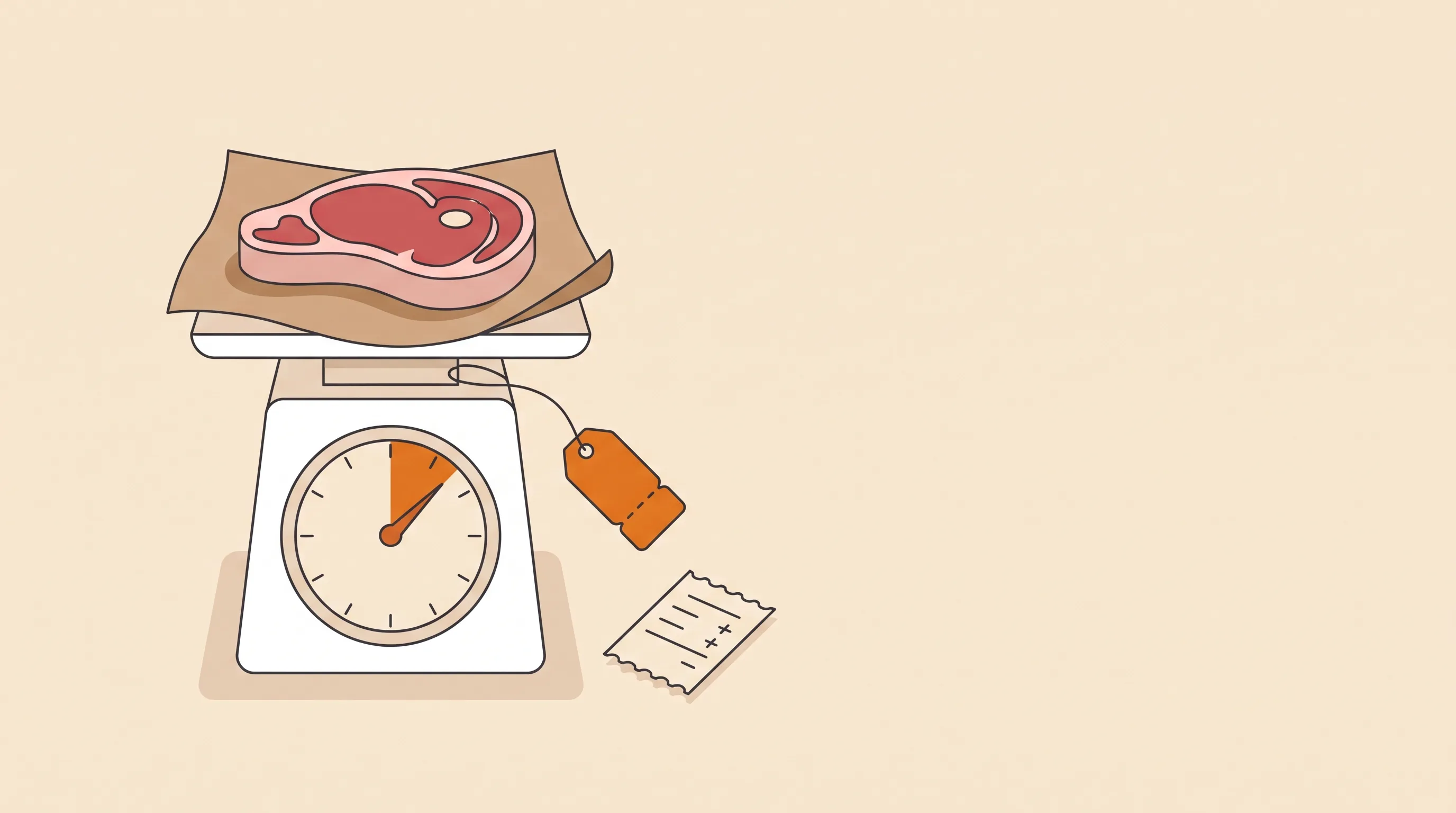
A customer orders a ribeye. Roughly a pound, they say.
You cut it, put it on the scale, and it's 1.18 lb. Or 0.91. It's never exactly the number on your product page.
Butchers, fishmongers, cheese shops and produce stores live with this every day. It even has a name: catch weight. You only know the real price after you pack.
Shopify, on the other hand, wants a price at checkout.
So how do you sell by weight on Shopify, and charge for what the scale actually says?
There are six real options. Let's go through them honestly.
First, the two things Shopify can't do
Shopify quantities are whole numbers. A customer can buy 2 steaks, not 1.18 lb of steak.
And Shopify has a unit price field, which shows shoppers “$20 / lb” next to the price. Useful. But it only displaysthe price per pound. It doesn't charge by it.
So everything below is about the gap between those two: what the customer pays at checkout, and what the item really weighs.
Option 1: weight variants (great for fixed packs)
Make variants like 250 g, 500 g and 1 kg, each with its own price. Most stores start here.
If you pre-pack to exact weights, this is all you need. Coffee beans, nuts, flour. The bag says 500 g, the bag weighs 500 g, done.
It breaks the moment you cut to order. The 1 kg variant is really “somewhere between 0.9 and 1.1 kg”, and you either eat the difference or argue about it.
Option 2: sell in small units (100 g at a time)
Price the product per 100 g and let the customer pick a quantity. Seven units means 700 g.
Closer. The customer chooses a weight instead of a pack.
But it's still the weight they asked for, not the weight you packed. A whole fish doesn't come in 100 g steps. Neither does a wheel of cheese. And “quantity: 7” on a packing slip confuses everyone except the person who set it up.
Option 3: charge an estimate, refund the difference by hand
Charge for “about 1 lb”, weigh it, and when it comes out lighter, refund the difference from the order page.
Simple. Honest. Shopify's refund screen lets you refund a custom amount.
But here's the thing: it only works in one direction.
When the steak comes out heavier, there's nothing to refund. You either give the extra away or start writing emails asking for $3.60. Most stores quietly give it away. Every day.
Plus someone does the math on a calculator, per item, per order, and types the refund in. Fine at ten orders a week. Not at a hundred.
Option 4: authorize high, capture the real amount
This is the clever one. Turn on manual payment capture. At checkout the customer's card is only authorized, not charged. After you weigh, you capture the actual amount instead of the full one.
No refund, no awkward “we owe you $2.40”. The customer is just charged the right price.
The catches:
- You can't capture more than was authorized. So your listed price has to be the high end, and heavier items are still a problem.
- Authorizations expire. Wait too long to pack and you might not be able to collect at all. Check how long your payment provider holds them.
- It changes how every order is paid, not just the weighed ones. Someone has to remember to capture each order.
Great for next-day orders. Risky for anything that waits a week.
Option 5: edit the order after packing
Shopify lets you edit an order: change quantities, add a custom item, adjust the price. If the new total is higher, it sends the customer an invoice for the balance. If it's lower, you refund.
On paper, that's catch weight solved.
In practice, read the fine print. According to Shopify's own considerations for editing orders, orders with local delivery can't be edited.
Which is a little ironic. Local delivery is exactly how most butchers, fishmongers and greengrocers sell online.
Merchants have been asking for it for years. So if you ship by courier, editing works. If you deliver in your own van, it doesn't.
Option 6: a catch weight app
A handful of apps on the Shopify App Store add the missing step. The customer pays the listed price, you enter the real weight after packing, and the app works out the difference.
The trade-offs are worth knowing:
- Check local delivery first. An app that edits the order hits the same wall as option 5. Ask how it handles delivery and pickup orders before you install.
- Check what happens when it's heavier. Refunding is easy. Collecting more is the hard part. Does it send a payment link? Let you waive it?
- It's one more app. Most have a free tier, but busy stores end up on a paid plan.
Where the simple options still win
To be fair, you don't always need any of this:
- You pre-pack everything to fixed weights? Weight variants. Done.
- Weights barely vary and you're fine rounding down for the customer? Price for the low end and let the scale work in their favour.
- You ship by courier and pack the same day? Manual capture handles it with no app.
Catch weight tools earn their place when you cut to order, deliver locally, and do it often enough that the calculator is a job.
What I'd set up first
Whatever route you pick, these save arguments later:
- Show the price per kg or lb.Use Shopify's unit price field, so the customer sees the real rate, not just the estimate.
- Say “approximate” before they pay.One line on the product page: “Priced at about 1 lb. We weigh it after cutting and adjust the total.” Surprises after delivery are where the complaints come from.
- Decide your heavier rule now. Collect the difference? Cap it at 10%? Waive anything under a dollar? Pick one and write it down.
- Weigh before the order leaves.Make “weighed and adjusted” a step in packing, not something someone does at the end of the day from memory.
- Test it with a real order. Place one yourself, weigh it lighter, then heavier, and check what the customer sees, what your reports say, and what lands in your bank.
Here's my honest answer
If you pre-pack, use weight variants and move on.
If you cut to order and ship by courier, try manual capture before you install anything.
If you cut to order anddeliver locally, you need something that adjusts the payment without editing the order. That's the case Shopify doesn't cover.
The price you guessed vs the price you packed.
Every heavier steak you give away is margin you never see again.
We built Weighwisefor that last case. You enter the actual weight on the order page, it refunds the difference when an item is lighter or sends a payment link when it's heavier, and it never edits the order, so it works with shipping, pickup and local delivery.
How do you handle weighed items today? I'd love to hear what's working, and what's quietly breaking. Drop us a line.