
Someone fills in the contact form on your Wix site. A notification email lands in your inbox. And then a person on your team copies the name, the phone number and the message into a monday.com board.
By hand. Every time.
It works fine at five leads a week. At fifty, leads start slipping, and nobody notices until a customer asks why no one called back.
So how do you get Wix form entries onto a monday.com board without the copy-paste?
There are three real options. Let's go through them honestly.
Option 1: email the board (free, a bit rough)
monday.com boards can receive email. Each board has its own address, and every email sent to it becomes a new item.
Wix Forms can send a notification email for every submission. Point that notification at the board's address and you're done.
It costs nothing and takes five minutes.
But here's the thing: the whole submission arrives as one block of email text. The name isn't in a Name column. The phone number isn't in a Phone column. You get an item, but you still have to read it and sort it yourself.
Better than nothing. Not really automation.
Option 2: Zapier or Make (flexible, another bill)
General automation tools can connect almost anything to almost anything. The recipe is a Wix trigger (“new form submission”), then a monday.com action (“create item”), with each form field mapped into a column.
This gets you real columns. Name in Name, email in Email, message in a long text column.
The costs are worth knowing before you start:
- Another tool, another account, another monthly bill, usually priced per task.
- The automation lives outside monday.com, so your team can't see or change it from the board.
- When a form changes, someone has to remember to go fix the mapping in a third place.
Option 3: a native connector (it lives inside monday.com)
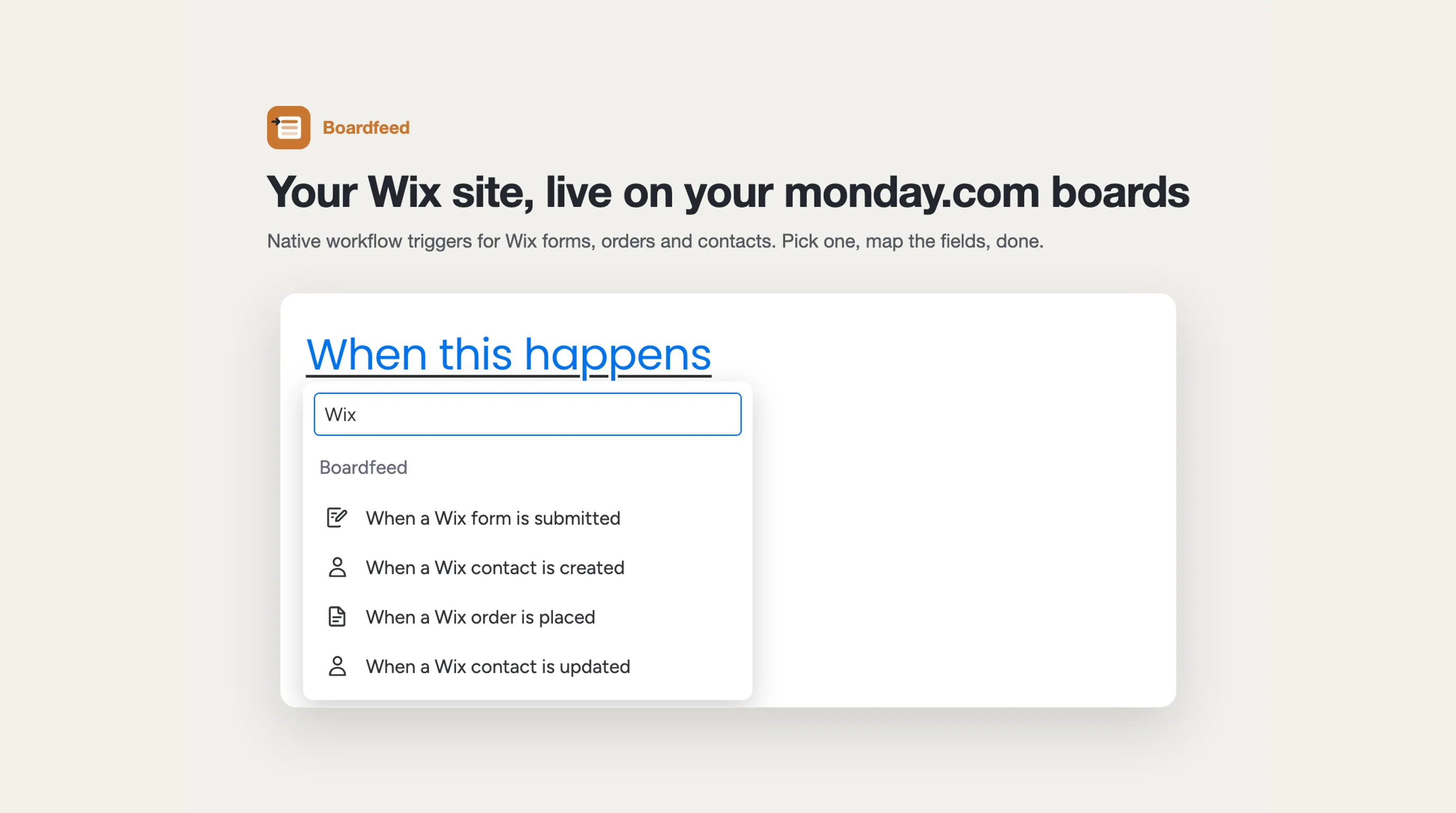
A connector app adds Wix triggers straight into monday.com's own automation builder. You open a board, click Automate, search for Wix, and build the recipe next to your other automations:
When a Wix form is submitted → create an item, with every field labeled and ready to map.
No third tool. Anyone who can edit the board's automations can see what's going on.
A good connector also goes both ways. Orders and contacts can flow in too, and a status change on the board can update Wix. For example, “when Status changes to Shipped, mark the Wix order fulfilled with this tracking number.”
Where Zapier still wins
To be fair, the general tools have a real edge in a few cases:
- One form entry needs to go to five places at once: monday.com, a Google Sheet, Slack and your email tool.
- You need heavy logic in the middle, like formatting, lookups or branching on ten conditions.
- You already pay for Zapier and use it for everything else.
If that's you, stick with it. It's a fine tool.
If all you want is “Wix form → monday.com item, without paying per task”, a native connector is the shorter path.
What I'd set up first
Whatever option you pick, a few things save you pain later:
- One board per pipeline.Leads in one, support in another. Don't dump every form into one board and sort it later.
- Map email and phone into real Email and Phone columns. Then they're clickable, and duplicates are easy to spot.
- Add a Status column from day one.New, Contacted, Won, Lost. That's what turns a list of entries into a pipeline.
- Send a test entry after every form change. Renaming a field is the most common way a working automation quietly stops filling a column.
- Filter the spam. Contact forms attract it. Whatever tool you use, find a way to keep junk out of the pipeline, or at least tag it.
Here's my honest answer
If you get a handful of entries a month, email the board and move on.
If the form is a real lead source, give every field its own column. Copy-paste doesn't scale, and neither does a block of email text.
Free and messy vs structured and searchable.
The lead you didn't lose is the cheapest one you'll ever get.
We built Boardfeed for option 3. It connects Wix forms, orders and contacts to monday.com automations, and its AI triage tags each form entry with a summary, an intent (lead, support, booking, spam) and a priority.
How are you moving leads from your site into your boards today? I'd love to hear what's working, and what's quietly breaking. Drop us a line.