
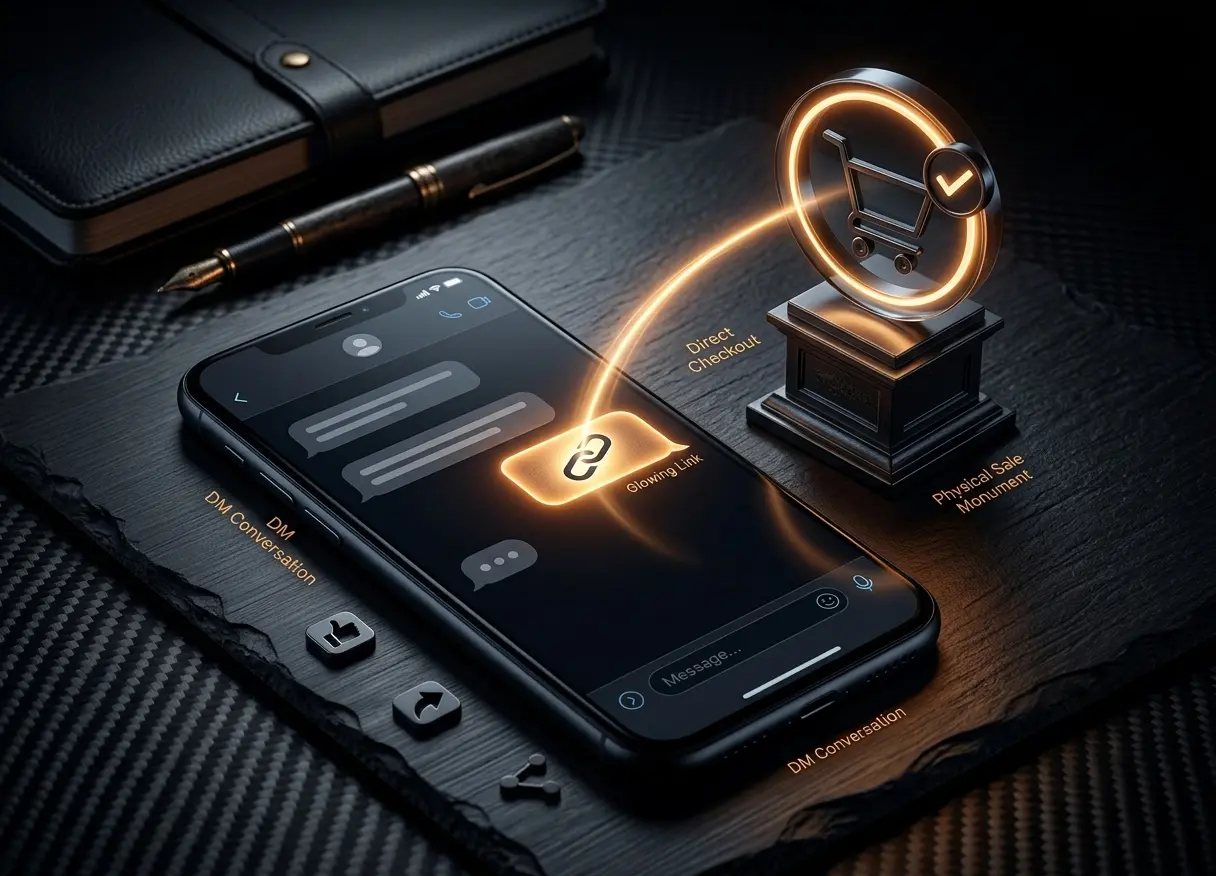
Social media is often where the sale starts, but it is not always where the sale finishes.
A customer sees a product on Instagram, replies to a story, sends a DM, or messages your business on WhatsApp. They are interested enough to ask a question like:
“How much is this?”
“Is this still available?”
“Where can I buy it?”
“Do you have this in size medium?”
At that moment, the customer is warm. They already saw the product, they already engaged, and they are waiting for a clear next step.
The problem is that many stores still send customers through a long buying path:
“Go to our website, click Shop, search for the product, choose the variant, add it to cart, then checkout.”
That may sound normal, but it creates friction. The customer has to leave the conversation, find the right product, make sure they selected the right option, and complete the order on their own.
Some customers will do it. Many will not.
A better flow is much simpler: send them a direct checkout link for the exact product they asked about.
The Problem With “Link in Bio”
“Link in bio” is useful, but it is not always the best answer when someone is already asking about a specific product.
If a customer replies to your Instagram story about a necklace, a shirt, a candle, a digital product, or a gift box, sending them to your homepage gives them more work to do. They still need to navigate your store and find the right item.
That extra work can easily break the sale.
This matters even more on mobile. Social media shoppers are usually moving fast. They may be standing in line, watching TV, taking a break at work, or scrolling before bed. Their attention is limited.
When the buying path becomes too long, they may decide to do it later. And in e-commerce, “later” often means the order never happens.
The Direct-to-Checkout Flow
A direct checkout link changes the customer journey.
Instead of pushing the customer back into your full store, you send them straight to checkout with the product already prepared.
The flow becomes:
Customer asks about product → You send checkout link → Customer reviews and pays
This feels more natural in a chat because it matches the conversation. The customer asked about a specific item, and you replied with a specific way to buy it.
It also reduces the chance of mistakes. If the customer asked for a certain product, quantity, or variant, you can create the checkout link around that exact setup.
For example, instead of saying:
“Here is our website, search for the silver necklace.”
You can say:
“Yes, it's available. Here's the direct checkout link for the silver necklace.”
That is a cleaner experience for both sides.
How to Use Wix Checkout Links in Instagram DMs and WhatsApp
Here is the basic flow for using Checkout Links for Wix when a customer contacts you through Instagram or WhatsApp.
Step 1: Open Checkout Links in Your Wix Dashboard
Start by opening the Checkout Links app from your Wix dashboard.
This is where you create and manage your checkout templates. A checkout template is a saved setup for a specific product or offer that can generate a direct checkout link.
Step 2: Choose the Product the Customer Asked About
Select the product the customer wants to buy.
This could be a single product, a specific item from a campaign, or an offer you are currently promoting. If the product has options, such as size, color, flavor, material, or package type, make sure the correct variant is selected.
This step is important because the whole point of a checkout link is to remove confusion for the customer. They should not need to search again or guess which option is correct.
Step 3: Set the Quantity and Offer Details
Choose the quantity or setup you want the link to include.
For example, you might create a link for:
- One product.
- A bundle of two or three items.
- A limited-time offer.
- A repeat order.
- A specific product variant.
- A product connected to a social media campaign.
The exact setup depends on how you are selling. For a simple DM reply, one product may be enough. For a WhatsApp campaign, you may want to prepare a more specific offer in advance.
Step 4: Generate the Checkout Link
Once the product and details are ready, generate the link.
The link can now be copied and used anywhere. You do not need to explain the full buying process to the customer. You can simply send the link as part of the conversation.
Step 5: Paste the Link Into the Chat
Now paste the link directly into the Instagram DM or WhatsApp chat.
You can keep the message simple:
“Yes, it's available. Here's the direct checkout link.”
Or, for a slightly warmer version:
“Yes, we have it in stock. I created a direct checkout link for you here.”
The goal is not to pressure the customer. The goal is to make the next step easy.
Example: Instagram Story Reply
Let's say you post a product on Instagram Stories.
A customer replies:
“How much is this?”
The old answer might be:
“It's $39. You can order from the link in our bio.”
That answer is common, but it still makes the customer do the work.
A better answer is:
“It's $39. Here's the direct checkout link for this exact item.”
The customer can click, review the item, and pay.
This keeps the purchase connected to the moment of interest. That is important because social media attention moves quickly.
Example: WhatsApp Customer Chat
WhatsApp is even more direct because many customers use it for quick decisions.
A customer might write:
“Can I order the same gift box I bought last month?”
With a checkout link, you can create or reuse a template for that gift box and reply:
“Sure. Here's the direct checkout link for the same gift box.”
This is useful for repeat orders, local customers, and small stores that manage many sales through messages.
Instead of manually explaining the order again, you give the customer a fast path to complete it.
Pro Tip: Create Links Before the Campaign Starts
You do not need to create checkout links one by one only after customers message you.
For campaigns, it is often better to create links in advance.
For example, if you are running a weekend WhatsApp promotion, you can prepare the checkout link before sending the message. Then your campaign message can include the direct checkout link from the start.
A simple campaign message might look like this:
“Weekend offer: our best-selling gift box is available for 15% off until Sunday. Order directly here.”
This works because the customer does not need to browse your store to understand the offer. The message explains the offer, and the link takes them straight to checkout.
You can use the same idea for:
- Instagram story promotions.
- Email campaigns.
- WhatsApp broadcast lists.
- Influencer campaigns.
- Limited-time product drops.
- Seasonal bundles.
- Repeat customer offers.
The more specific the offer, the more useful a direct checkout link becomes.
Bonus: Use the Same Link With QR Codes
Instagram and WhatsApp are digital channels, but checkout links can also work well offline.
For example, you can turn a checkout link into a QR code and place it on:
- Flyers.
- Product packaging.
- Event stands.
- Business cards.
- Thank-you cards.
- Printed catalogs.
This is useful when you want people to scan and buy without manually typing your website or searching for the product.
For example, a candle brand could add a QR code to a product card that says:
“Want to order this scent again? Scan here.”
That QR code can lead directly to checkout for that product.
This is not the main use case for every store, but it is a practical option for businesses that sell both online and offline.
Why This Improves the Buying Experience
Direct checkout links do not magically create demand. You still need good products, clear pricing, trust, and a reason for customers to buy.
What they do is remove unnecessary steps after the customer is already interested.
That is the key difference.
If someone is browsing your store, the normal product page and cart flow is fine. But if someone is asking about a specific product in a DM or WhatsApp chat, they are already closer to buying. Sending them a direct checkout link respects that moment.
It makes the buying path shorter, clearer, and easier to complete.
Start With One Free Checkout Template
Checkout Links for Wix includes a free tier, so you can create your first custom checkout template without paying first.
A good first test is simple: choose one product you often promote on Instagram or WhatsApp, create a checkout link for it, and use that link the next time a customer asks about it.
You do not need to rebuild your store or change your full sales process. Start with one link, one product, and one real customer conversation.
If the link saves time and makes the buying experience easier, you can create more templates for campaigns, bundles, repeat orders, and seasonal offers.
Final Thoughts
Selling through Instagram and WhatsApp works best when the next step is clear.
If a customer asks about a product, sending them to your homepage is often too broad. Sending them to a product page is better. Sending them directly to checkout with the right item already selected is usually better again.
That is the purpose of Checkout Links for Wix.
It helps store owners turn social conversations into completed orders by removing steps from the buying process.
Install Checkout Links for Wix, create your first free checkout template, and test it the next time a customer asks where they can buy.