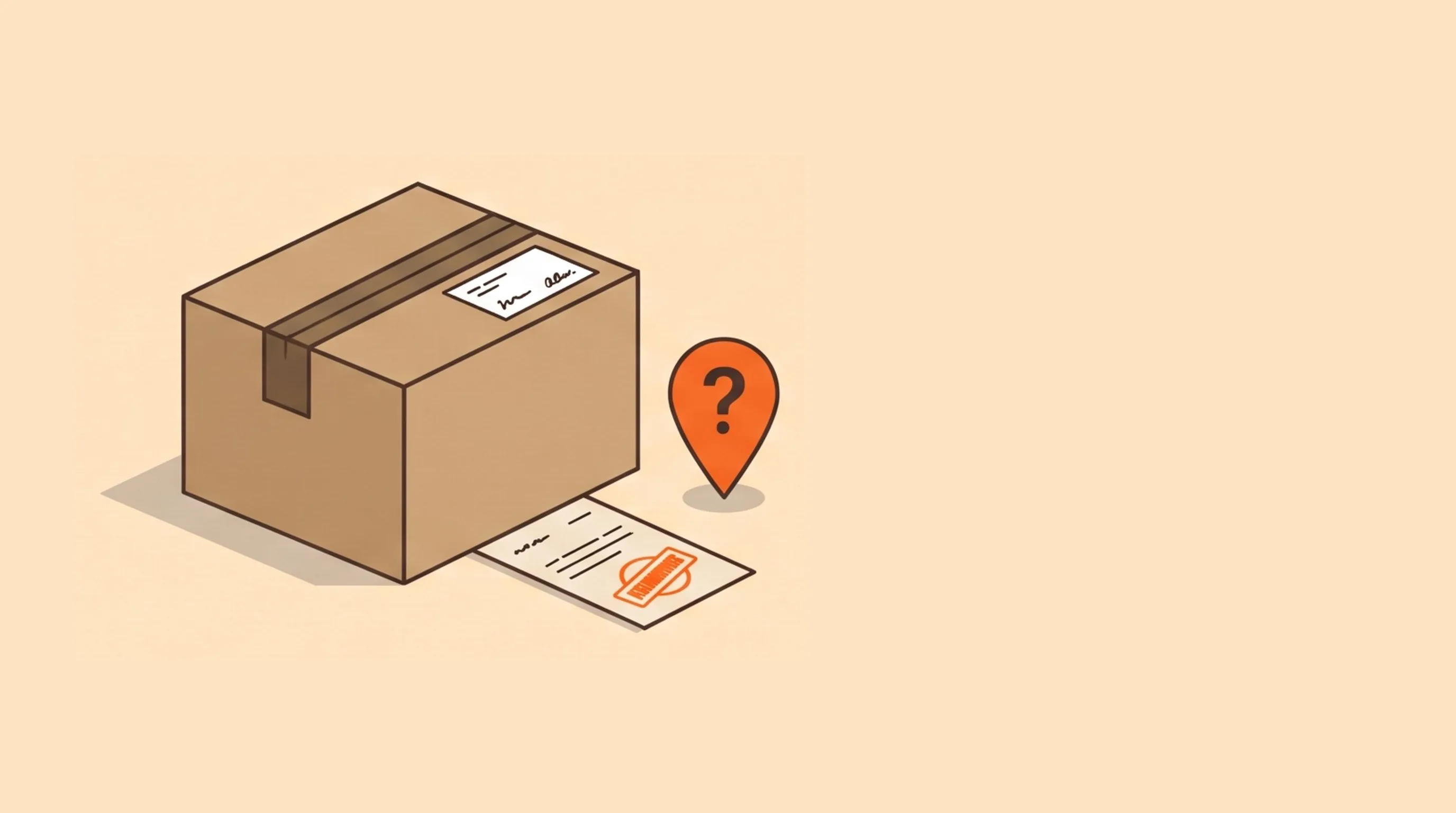
A parcel comes back marked “address unknown.” You paid to ship it once, and now you pay again to send it back out, or you refund it.
Then you open the order and the problem is right there. A missing digit in the house number. A street that doesn't exist in that town. A postcode from two cities over.
The customer typed it at checkout, and nothing stopped them.
So how do you catch a bad shipping address on Wix before it ships?
First, it helps to know what Wix already checks, because it's less than most store owners think. Then there are four real options.
What Wix checkout checks on its own
I went through checkout on one of our test stores to see for myself. Wix's checkout does two useful things:
- It requires the right fields for each country.The form changes with the country, and the customer can't continue until the required ones are filled in.
- It suggests addresses as the customer types. Start typing a street name and a list of real matching addresses drops down.
But the suggestions are only suggestions. I ignored them and typed “Qwertyzzz Road 9999, Nowhereville” instead. Wix checked that the phone number was in a valid format, then moved me straight on to delivery and payment.
So Wix makes sure the address is filled in. It doesn't check that the address exists. Everything below is about that gap.
Option 1: only sell where you ship (free, built in)
Some bad orders aren't typos at all. They're real addresses in a country you never meant to ship to.
Wix handles this with shipping and delivery regions. If a customer's country has no shipping, delivery or pickup rule, Wix tells them the store doesn't ship there and they can't buy.
Worth checking today: new stores start with an International region, so unless you changed it, you may already “ship” everywhere.
The limit is that regions work by country (and sometimes state). They don't look at the street at all.
Option 2: check each address by hand before you pack
Before packing, paste the address into Google Maps or your carrier's address lookup. If it doesn't come up, email the customer before anything ships.
At five orders a day this is free and it works. It also catches things no tool will, like a business address with no company name on it.
The catches:
- The customer has already left. You're waiting on an email reply while the order sits.
- Some never reply, and you're left choosing between shipping a guess or refunding.
- It's one more step on every order, and it's the one that gets skipped on a busy day.
Option 3: let your label tool flag it
If you buy labels through a shipping app or carrier account, see whether it checks the address when you create the label. Many do, and flag addresses the carrier can't match.
That's a good safety net, and you may already be paying for it.
But it fires at the last possible moment. The order is paid, the box may be packed, and you're back to emailing the customer and waiting.
Option 4: an address validation app at checkout
Wix lets apps check the order at checkout, before it's placed. An address validation app uses that spot to look the address up against a real address database (Google's, in our case) while the customer is still on the page.
If the address can't be found, the customer sees a message and can fix it on the spot. It's the only option here that asks the one person who actually knows the address, at the moment they're typing it.
The trade-offs are worth knowing:
- It costs per check.Address lookups aren't free for the app either, so plans usually cap checks per month.
- Too strict loses sales.New-build streets, rural properties and missing apartment numbers can all trip a fussy check. A good app only flags addresses it truly can't find.
- It has to fail open. If the lookup service is down, checkout should carry on. Ask how an app behaves when it breaks before you put it in your payment path.
Warn or block?
Most validation apps give you a choice when an address can't be found.
Warnshows a message but lets the customer continue. People who made a typo fix it. People with a real address the database doesn't know yet (a new build, a farm, a just-renamed street) still get to buy.
Block stops checkout until the address is found. It catches more, and it will also turn away a few real customers.
Start with warn. Look at what still slips through after a month, and only move to block if failed deliveries cost you more than the odd lost order would.
Where the simple options still win
To be fair, plenty of stores don't need a checkout check:
- Local pickup or digital products only? There's nothing to deliver.
- A handful of orders a week? Checking by hand costs you five minutes.
- Your problem is the wrong country, not the wrong street? Fix your shipping regions.
- Almost every customer is a repeat buyer with a saved address? The address was right last time.
A checkout check earns its place once returned parcels and “where's my order” emails cost you more than the app does.
What I'd set up first
- Clean up your shipping regions.Remove any country you don't really ship to.
- Keep a phone number on every order. When an address is almost right, a quick call or text saves the parcel.
- Write the message in plain words.“We couldn't find this address. Check the street and house number” gets fixed. “Invalid address” reads like the store is broken.
- Test it with a fake address. Go through your own checkout with a made-up street and see what happens.
Here's my honest answer
Wix makes sure every address is filled in. It doesn't make sure it's real.
If you ship a few orders a week, check them by hand and keep your shipping regions tight. If failed deliveries are a real cost, check the address at checkout, while the customer is still there to fix it.
The cheapest failed delivery is the one the customer fixes before paying.
We built DeliverSure Address Validation for option 4. It checks the shipping address against Google's Address Validation when the customer finishes typing it, starts in warning mode, and lets you switch to blocking, limit the countries you deliver to and write every message the customer sees. If anything on our side fails, checkout carries on. It doesn't suggest corrections; it tells the customer to check the address. The free plan covers 10 address checks a month, and paid plans cover 250 or 1,000.
If you're curious how we decide which addresses to flag, I wrote that up in Why We Built DeliverSure.
How do you handle bad addresses today: by hand, at label time, or not at all until the parcel comes back? Drop us a line.