
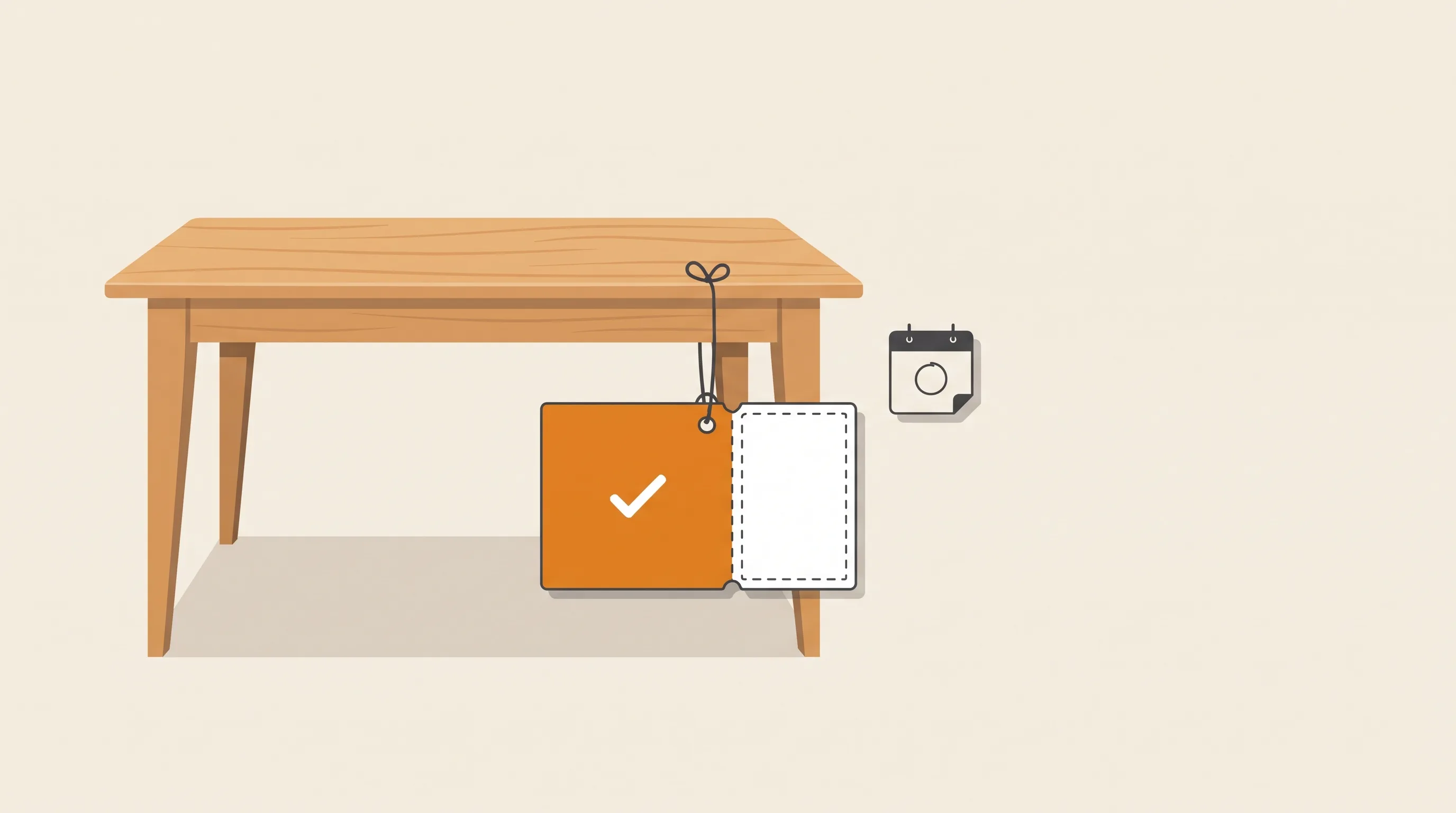
You sell something that costs real money. A dining table. A custom cake for 200 guests. A sign you'll spend two weeks building.
Ask for the full amount upfront and some buyers walk. Start the work for free and you're the one taking the risk.
The usual answer is a deposit. So you open your Wix Stores settings and look for the deposit option.
It isn't there.
So how do you take a deposit on a Wix store, and collect the rest later?
There are five real options. Let's go through them honestly.
First, what Wix itself says
Wix's own help center is clear about it: partial payments and deposits aren't possible in Wix Stores. It's a feature request, and Wix is collecting votes for it.
So everything below is a workaround of some kind. Some are just better workarounds than others.
Option 1: the “50% Deposit” product (free, quietly messy)
This is the one most stores try first. You create a product called “Deposit for Custom Table”, price it at half, and sell that instead of the table.
It works on day one. Then the order says “deposit” instead of what the customer bought, tax and inventory follow the fake product, and the balance lives in a spreadsheet. (We wrote up everything that breaks with a fake deposit product separately.)
Fine for one custom job a year. Painful at one a week.
Option 2: Wix Invoices with a deposit (good for quotes)
Wix Invoices can ask for a deposit, either a percentage of the total or a set amount. When it's time for the rest, you resend the invoice to collect the balance.
If every job is a custom quote anyway, this is a decent fit. You talk to the customer, you write the invoice, they pay part of it.
But here's the thing: it doesn't touch your store.
The customer can't browse your products, add to cart and choose “pay a deposit” at checkout. You build each invoice by hand, and it lives next to your store orders, not inside them.
Option 3: installments (great for price, not a deposit)
Wix Stores can offer installment payments through connected providers like Klarna, Afterpay, Affirm or PayPal, depending on your region.
With most of these providers, you get the full amount right away and the buyer pays the provider over time.
That solves “$1,500 feels like a lot”. It doesn't solve “pay some now, pay the rest when your order is ready”. The buyer has committed to the whole amount on day one, and you never send a balance request when the work is done.
Different job. Sometimes the right one.
Option 4: charge part of the order by hand
Wix's help page mentions one more route. You can take a partial payment on an unpaid order by entering the customer's card details manually. Right now that only works with Wix Payments or Isracard.
It keeps the real order, which is nice. But it means someone on your team types card numbers, over the phone or from a message, for every deposit and again for every balance.
OK for phone orders. Not something you want as your checkout.
Option 5: a deposit app (one real order, paid in two steps)
A few apps on the Wix App Market add the missing piece. The buyer shops normally, picks a deposit option at checkout, and pays part of the total. The order is recorded with the real products, then marked as partly paid.
When the order is ready, the buyer gets a link to pay the balance. No fake product, no hand-built invoice, no typing card numbers.
The trade-offs are worth knowing:
- It's one more app, and the useful features usually sit on a paid plan.
- Most need a short setup in your Wix dashboard, like adding a payment method for deposits.
- Check that it covers what you sell: Wix Stores, Restaurants orders, or both.
(If you sell services through Wix Bookings, that's a separate case. Bookings has its own deposit setting for services. This article is about products.)
Where the simple options still win
To be fair, you don't always need an app:
- One or two custom jobs a month, each one quoted by hand? Wix Invoices is enough.
- The real problem is that the price feels high, not that you're building to order? Turn on installments.
- Most of your orders come in by phone? Charging part of the order by hand is fine.
A deposit app earns its place when buyers check out on your site, often, and you build or source the item after they pay.
What I'd set up first
Whatever route you pick, these save arguments later:
- Write your deposit terms down.Is the deposit refundable? When is the balance due? What happens if the buyer disappears after you've started? Show this before they pay, not in an FAQ nobody opens.
- Pick a deposit that covers your real risk.At the very least, enough to pay for the materials you'll buy before the balance comes in.
- Never ship with money owed.Make “balance paid” a step before fulfillment, not something someone has to remember.
- Ask for the balance when the order is ready.“Your table is done, here's the link” gets paid faster than a reminder on a random date.
- Test it with a real order. Place a small order yourself, pay the deposit, pay the balance, and check what the order, the tax and your reports look like at each step.
Here's my honest answer
If deposits are rare for you, use Wix Invoices and move on.
If deposits are how you sell, keep the real order and take the payment in two steps. Fake products and spreadsheets don't scale, and neither does chasing balances from memory.
Half a product vs one real order, half paid.
The buyer who commits today is worth more than the one who'll “think about it”.
We built Order Depositsfor option 5. Buyers pay a deposit after checkout, accept your terms first, and get a balance link when you're ready, and the app warns you before you fulfill an order that still has money owed.
How do you handle deposits today? I'd love to hear what's working, and what's quietly breaking. Drop us a line.